

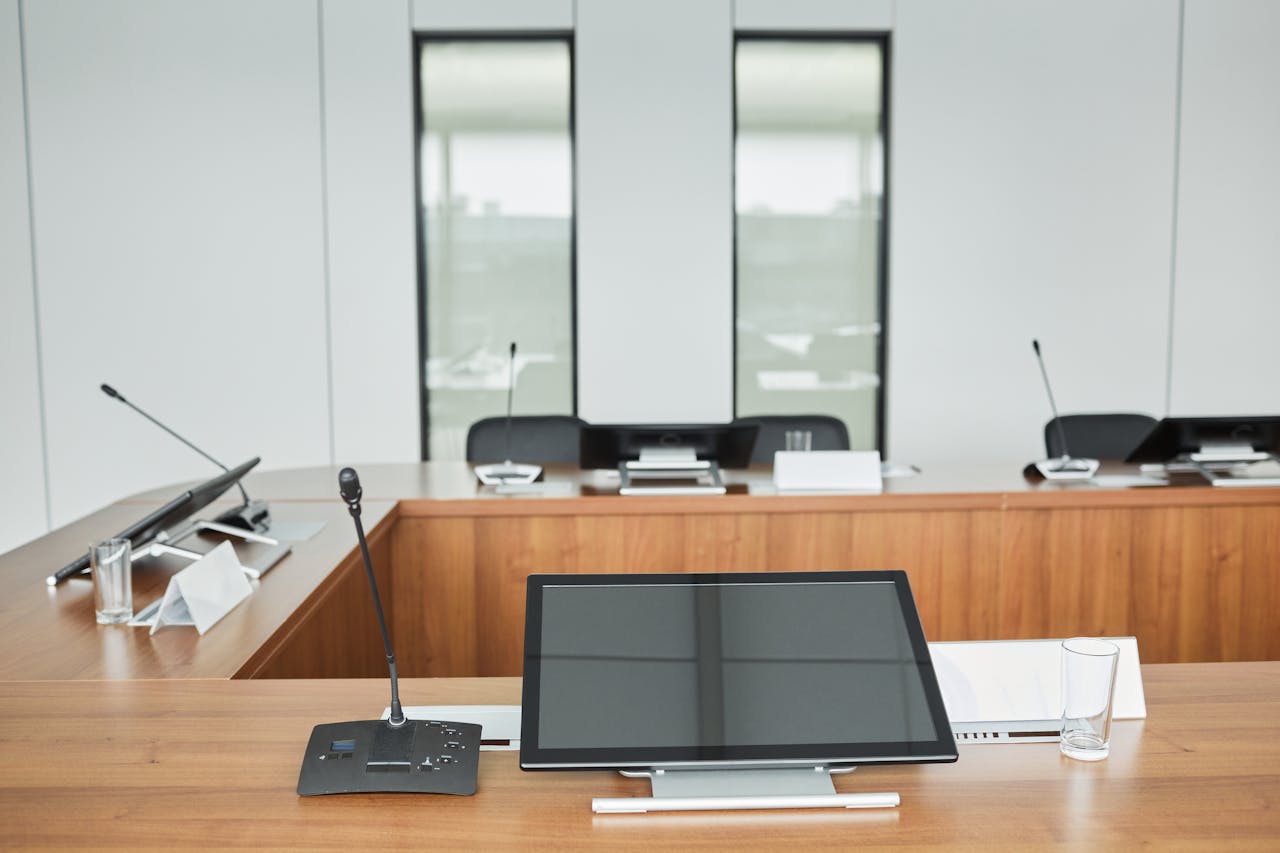
In modern corporate environments, communication quality can directly influence decision-making, stakeholder confidence, and overall business outcomes. As meetings become more hybrid and data-heavy, traditional static displays are often no longer sufficient to support engaging, high-impact presentations.
This shift has led many organisations to rethink how they equip their boardrooms and meeting spaces. The demand is growing for tools that support collaboration, real-time interaction, and seamless content sharing. Within this evolving landscape, interactive screens have become a central component of effective presentation ecosystems.
However, choosing the right solution is not simply a matter of selecting the latest technology. It requires a structured understanding of usability, integration, scalability, and long-term operational value.
Understanding the Role of Interactive Displays in Modern Presentations
Corporate presentations today are no longer one-directional. Instead of a speaker delivering information to passive attendees, meetings are increasingly collaborative, with participants contributing in real time.
In this context, display systems must support dynamic engagement. They need to allow users to annotate, manipulate content, and switch between data sources effortlessly. The goal is to reduce friction in communication and enhance clarity.
Well-designed visual systems improve comprehension and retention of information, especially when complex data sets or strategic plans are involved. This is why organisations investing in modern AV infrastructure are prioritising solutions that enable interactivity rather than passive viewing.
Key Features to Prioritise When Selecting a Solution
Not all display systems are created equal. When evaluating options, it is essential to focus on features that align with your organisation’s workflow and presentation needs.
Look for the following core capabilities:
- Multi-touch responsiveness for collaborative input
- High-resolution clarity for detailed visuals and data charts
- Seamless wireless connectivity across devices
- Compatibility with conferencing platforms and productivity tools
- Low-latency performance for real-time interaction
- Robust security features for sensitive corporate data
Each of these features contributes to smoother meetings and fewer technical disruptions. In high-stakes environments such as boardrooms or client presentations, reliability is just as important as functionality.
Types of Interactive Display Technologies
There are several categories of display technology available, each with its own strengths and limitations. Understanding these differences can help narrow down the most suitable option for your organisation.
- Capacitive touch systems
These are highly responsive and similar to smartphone interfaces. They offer excellent precision and are ideal for detailed annotation work. - Infrared touch panels
These rely on a grid of infrared light beams. They are durable and suitable for larger displays, often used in meeting rooms. - Optical imaging systems
These use cameras to detect touch points. They are versatile and can support large-scale installations. - Hybrid collaboration displays
These combine hardware and software ecosystems, enabling cloud-based collaboration and remote participation.
Choosing between these depends on room size, user expectations, and integration requirements. For many enterprises, interactive screens serve as the foundation of a broader digital collaboration strategy.
How to Evaluate Options for Corporate Environments
Selecting the right system requires a structured evaluation process rather than a purely technical comparison. Decision-makers should assess both immediate needs and long-term scalability.
A practical evaluation approach might include:
- Identifying primary use cases (board meetings, training, client presentations)
- Assessing room size and viewing distances
- Reviewing integration with existing AV infrastructure
- Testing user experience for ease of interaction
- Evaluating IT support requirements and maintenance cycles
- Considering future expansion or hybrid work compatibility
This structured approach reduces the risk of over-investing in features that are not aligned with actual business needs.
Implementation Considerations for Seamless Deployment
Even the most advanced display system can underperform if poorly implemented. Successful deployment requires coordination between IT teams, facilities management, and end users.
Training is often overlooked but plays a critical role in adoption. Users should be comfortable navigating the interface, sharing content, and troubleshooting minor issues.
Environmental factors also matter. Lighting conditions, screen positioning, and room acoustics can all influence performance and visibility. Proper installation ensures the system delivers consistent results across different meeting scenarios.
Organisations should also plan for regular updates and system checks to maintain optimal performance over time.
Common Mistakes to Avoid During Selection
Many organisations make avoidable errors when upgrading their presentation infrastructure. These mistakes often lead to underutilised systems or unexpected costs.
Key pitfalls include:
- Choosing based solely on price rather than functionality
- Overlooking compatibility with existing software ecosystems
- Ignoring user training and adoption requirements
- Underestimating installation and maintenance needs
- Selecting overly complex systems for simple use cases
Avoiding these mistakes ensures that the investment delivers measurable productivity improvements rather than operational friction.
The Future of Corporate Presentation Technology
The evolution of meeting room technology is moving toward greater integration and automation. Artificial intelligence, cloud collaboration, and gesture-based control systems are increasingly being incorporated into modern setups.
We are also seeing a shift toward unified communication platforms where audio, video, and display systems work together seamlessly. This reduces setup time and improves meeting efficiency.
As hybrid work becomes the norm, demand for flexible and intuitive tools continues to grow. In this environment, organisations that adopt adaptable solutions such as interactive screens are better positioned to maintain effective communication across distributed teams.
Final Considerations for Long-Term Value
When investing in presentation technology, the focus should extend beyond initial performance. Long-term reliability, scalability, and ease of use are equally important.
A well-chosen system enhances collaboration, reduces technical disruptions, and supports clearer decision-making across all levels of an organisation. Over time, this contributes not only to smoother meetings but also to stronger organisational alignment.
Before making a final decision, it is worth revisiting your core requirements and ensuring the selected solution aligns with both current workflows and future business direction.
Key benefits to prioritise include:
- Improved meeting efficiency and reduced setup time
- Better engagement during presentations and discussions
- Enhanced visual clarity for data-heavy content
- Greater flexibility for hybrid and remote collaboration
- Stronger alignment between teams and stakeholders
In a fast-moving corporate environment, the ability to communicate clearly and interactively is no longer optional—it is a strategic advantage.